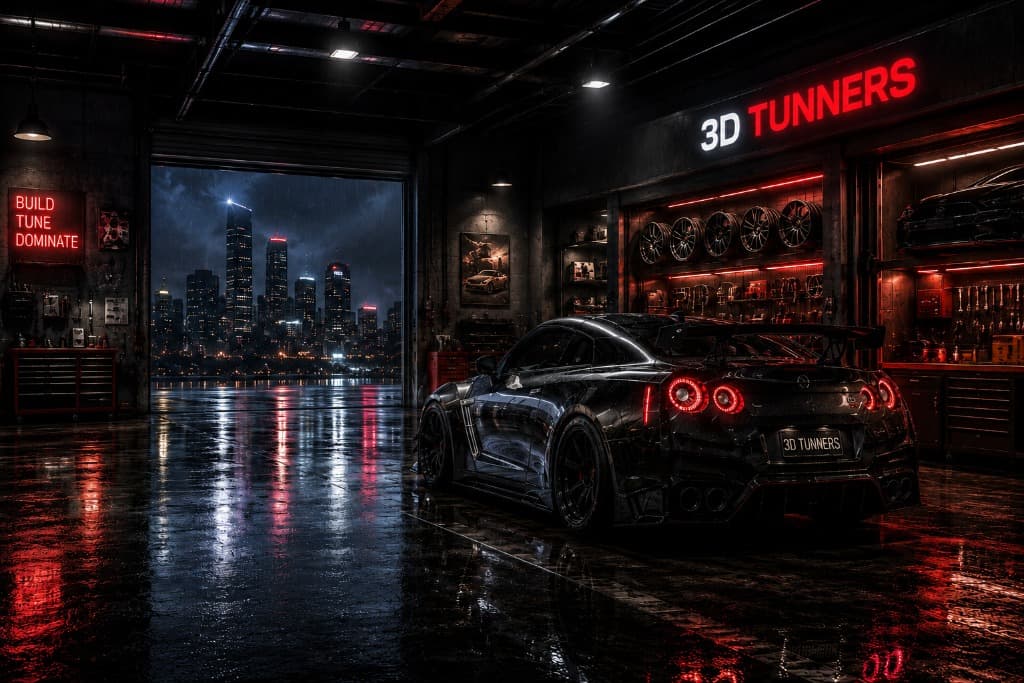
3DTUNNERS

Interactive 3D car configurator where you can customize vehicles, explore modifications, and build your dream machine in real time.

3DTUNNERS · Interactive vehicle studio
ToyotaNissanBMWAudiMercedesMercedes-BenzPorscheLamborghiniMcLarenFordDodgeChevroletHondaSubaruMitsubishiMazdaHyundaiSuzukiVolkswagenSkodaToyotaNissanBMWAudiMercedesMercedes-BenzPorscheLamborghiniMcLarenFordDodgeChevroletHondaSubaruMitsubishiMazdaHyundaiSuzukiVolkswagenSkoda
From garage to finished concept

How 3DTUNNERS works

The workflow is deliberately simple: choose a base car, make one change at a time, and use the live viewport to understand how those choices work together.

  1. 01
    Step 01

    Choose a car

    Browse the garage and select one of the performance vehicles currently available. Each car opens as an interactive model, but the level of model-specific detail and the compatible visual options can differ while support is being refined.

  2. 02
    Step 02

    Customise the build

    Work through the available paint, wheel, suspension, aero, exhaust, lighting and environment controls. Changes are applied as you make them, so you can test a restrained road-car setup and a more dramatic concept without starting over.

  3. 03
    Step 03

    Inspect it from every angle

    Rotate and zoom around the vehicle while the material and geometry updates remain visible. Change the environment to check how reflections, colour and surface finish respond in a bright showroom, a darker workshop or an outdoor scene.

  4. 04
    Step 04

    Refine your setup

    Compare combinations, reset the configuration when an idea is not working, and keep adjusting until the visual direction feels coherent. You can move between categories as often as needed while the current studio session remains open.

What the viewport is showing

Rendering choices you can actually compare

Physically Based Rendering

Paint is treated as a material, not a flat colour swatch. Metallic and non-metallic finishes use different metalness, roughness and clearcoat settings, while reflections help describe gloss, carbon-fibre and metal surfaces. The same finish can look brighter, darker or more reflective as the lighting changes, so comparing environments is an important part of judging a colour.

Instant Real-Time Updates

Supported paint, wheel, suspension, aero, exhaust and lighting changes appear in the viewport without reloading the page. That makes it practical to compare combinations and undo an idea quickly. Initial model loading can still take longer on complex vehicles or less powerful devices, and the experience works best in an up-to-date browser with hardware-accelerated WebGL.

Cinematic Environments

A showroom, night scene or outdoor setting does more than change the backdrop: it changes the reflections across the body and can alter how a paint colour is perceived. Switching scenes helps reveal highlights, roughness and contrast that one light setup may hide. These environments are creative visualisation tools, not exact simulations of real roads, weather or calibrated studio lighting.

Frequently asked questions

Useful answers, without the sales pitch

What the current build can do, what it cannot verify, and what to expect while the project continues to develop.

3DTUNNERS is a browser-based vehicle visualisation project built with Next.js, Three.js and WebGL. It lets you choose a supported performance car and explore combinations of paint, wheels, stance, aero, exhaust and lighting in an interactive viewport. The project is intended for creative experimentation and early visual planning rather than measurements, mechanical design or engineering approval.